

Requirements
- SSO is only supported for workspaces on the Business plan. Visit the Pipedream pricing page to upgrade.
- You need an administrator of your Pipedream workspace and someone who can create SAML apps in your identity provider to configure SSO.
SAML metadata
SAML attributes
NameID—email
Providing SAML metadata to Pipedream
Pipedream requires access to SAML metadata at a publicly-accessible URL. This communicates public metadata about the identity provider (your SSO provider) that Pipedream can use to configure the SAML setup in Pipedream. Most SSO providers will provide a publicly-accessible metadata URL. If not, they should provide a mechanism to download the SAML metadata XML file. Once you’ve configured your SAML app using the settings above, host this file on a public web server where Pipedream can access it via URL, for example:https://example.com/metadata.xml.
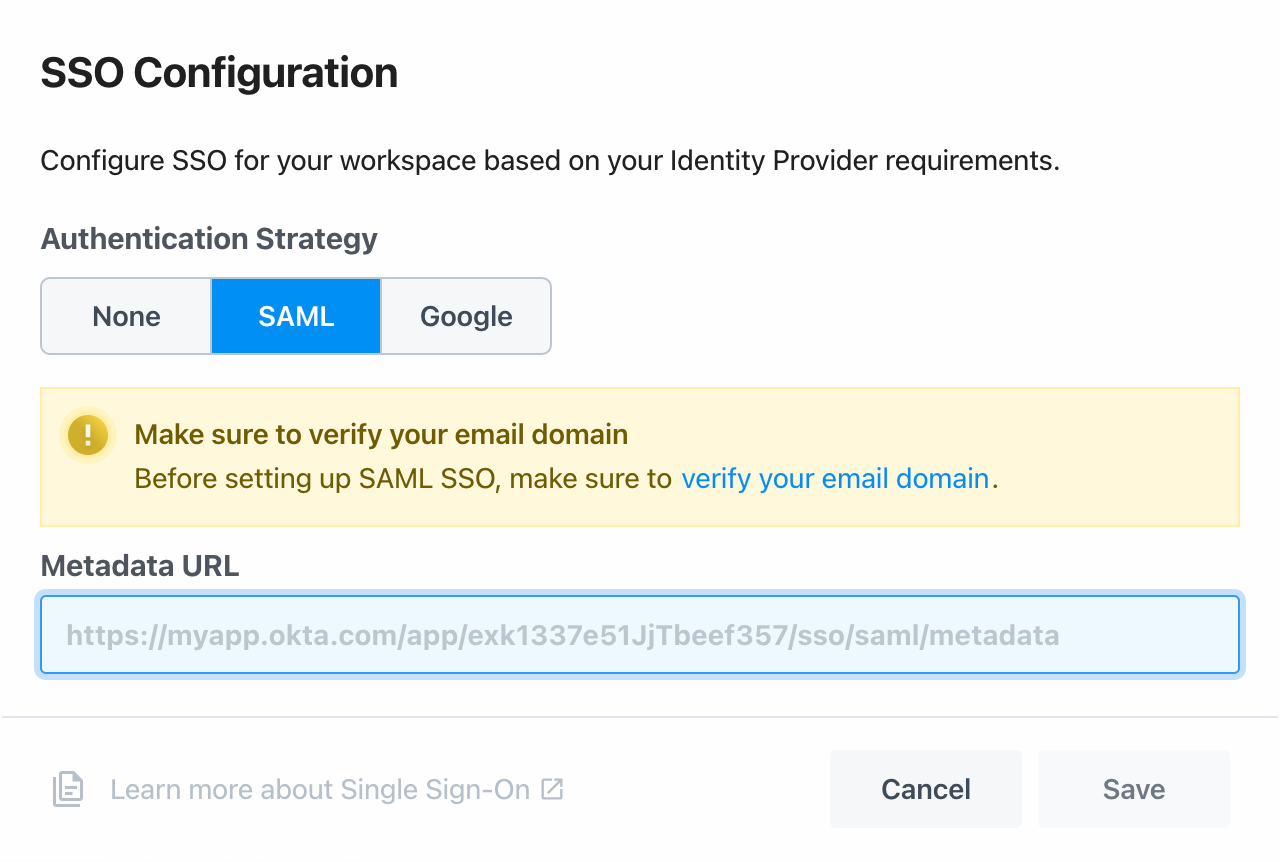
Once you have a publicly-accessible URL that hosts your SAML metadata, visit your workspace’s authentication settings in Pipedream. In the Single Sign-On section, select SAML, and add your metadata URL to the Metadata URL field, then click Save.
your-workspace-name is the name of your workspace.