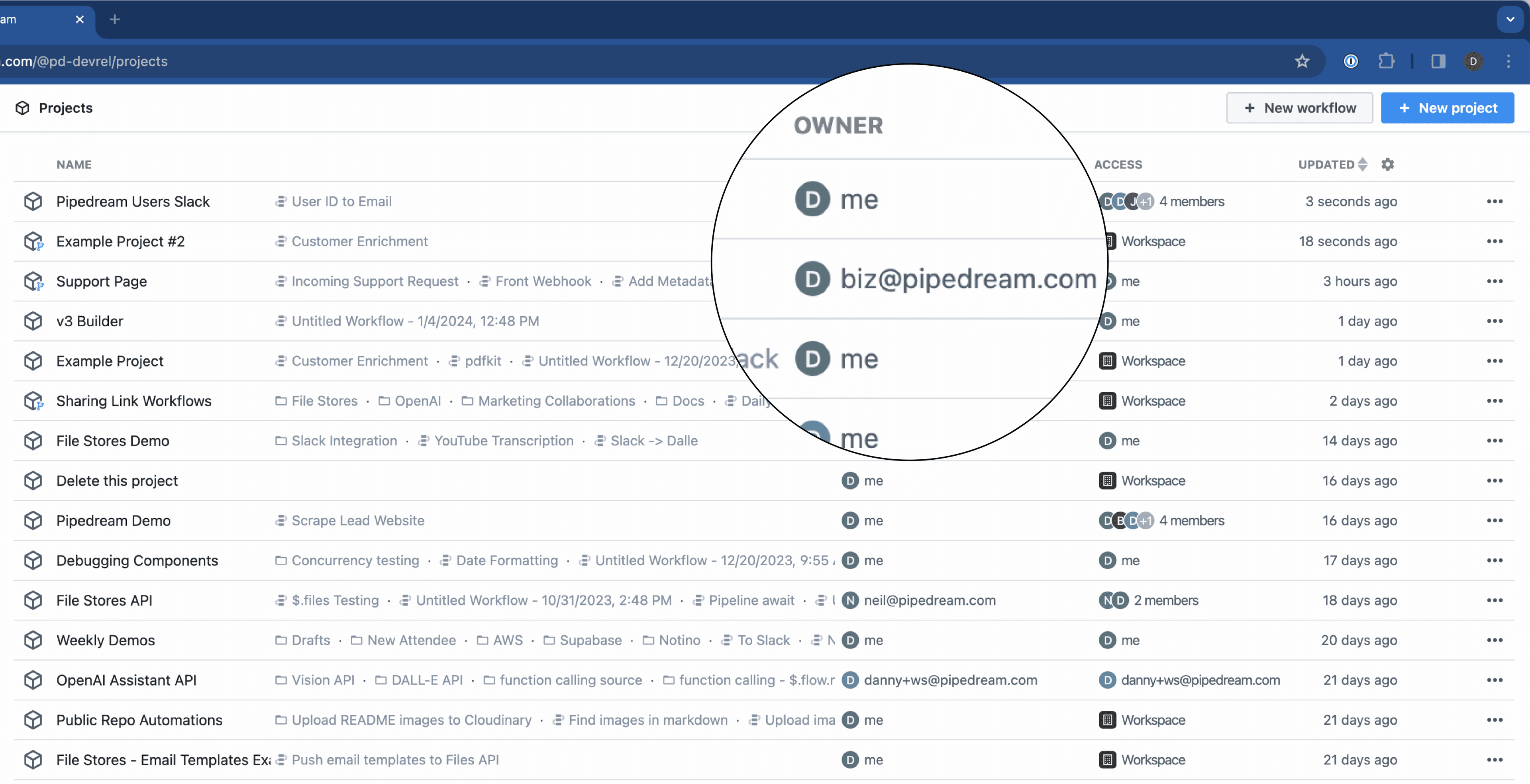
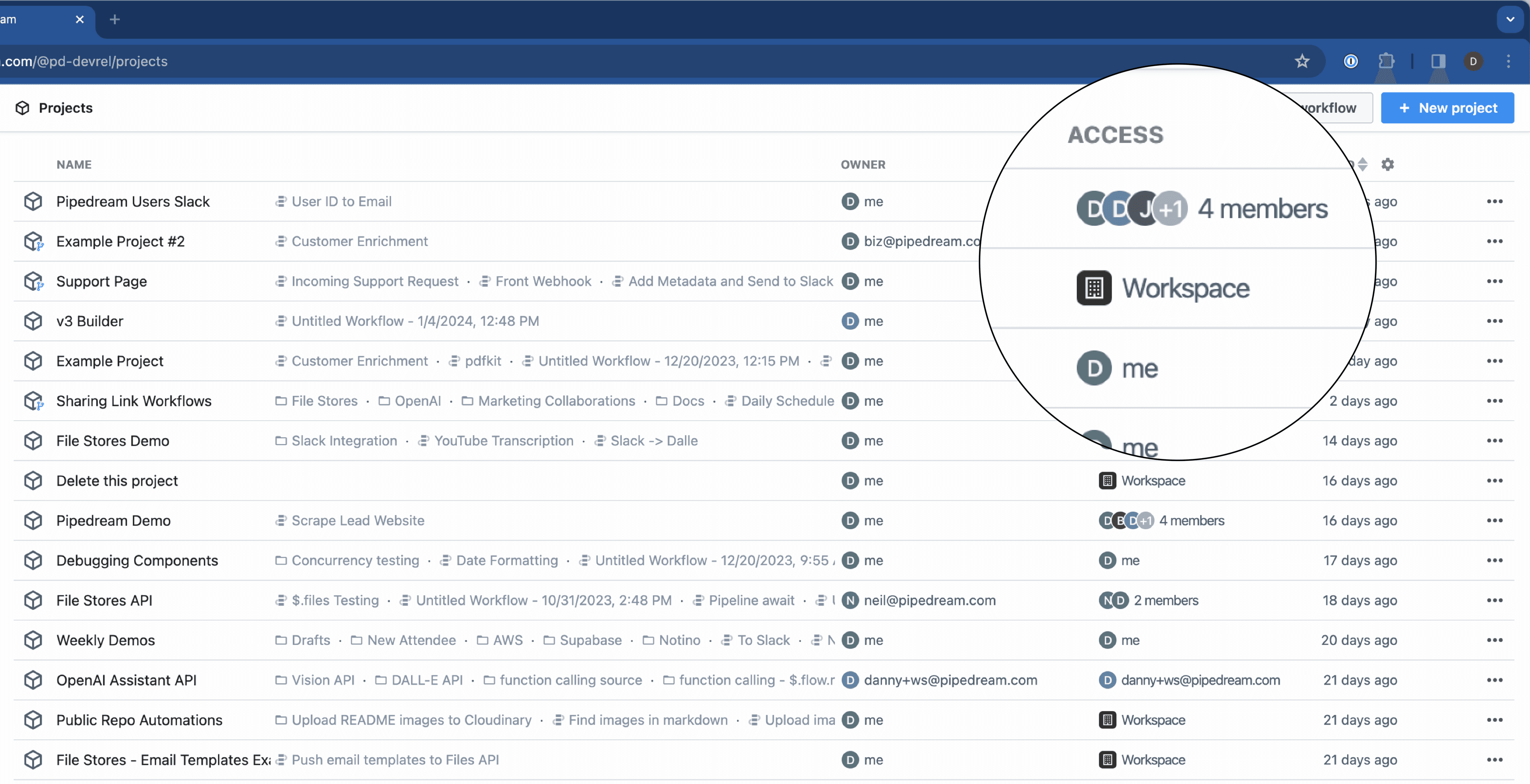
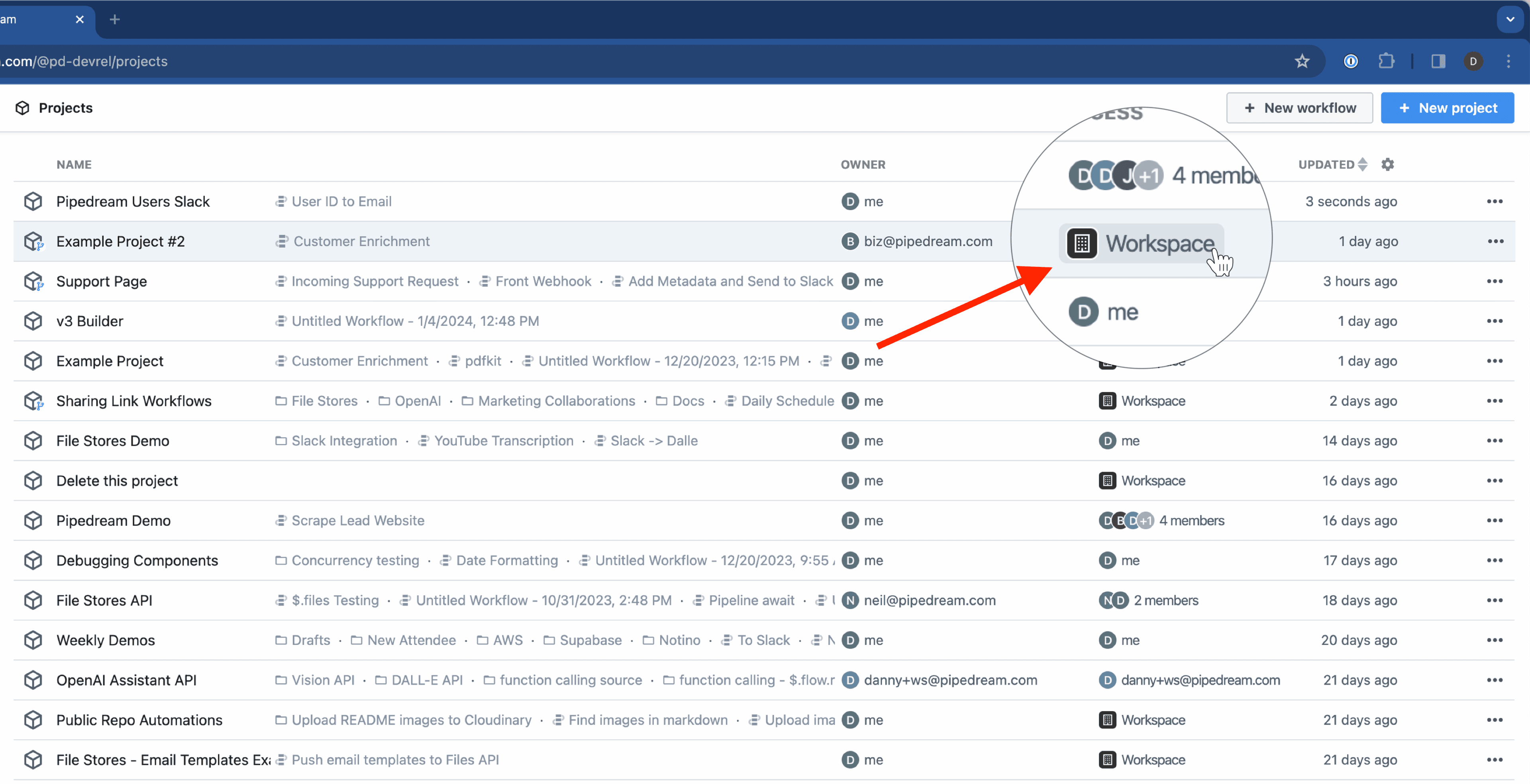
The projects list view contains Owner and Access columns.
Owner indicates who within the workspace owns each project. This is typically the person who created the project.
Projects created before February 2024 don’t automatically have owners, which has no functional impact.
Permissions
Workspace owners and admins are able to perform all actions in projects, whereas workspace members are restricted from performing certain actions in projects.
Workspace admins and owners have the same permissions as project creators for all projects in the workspace.
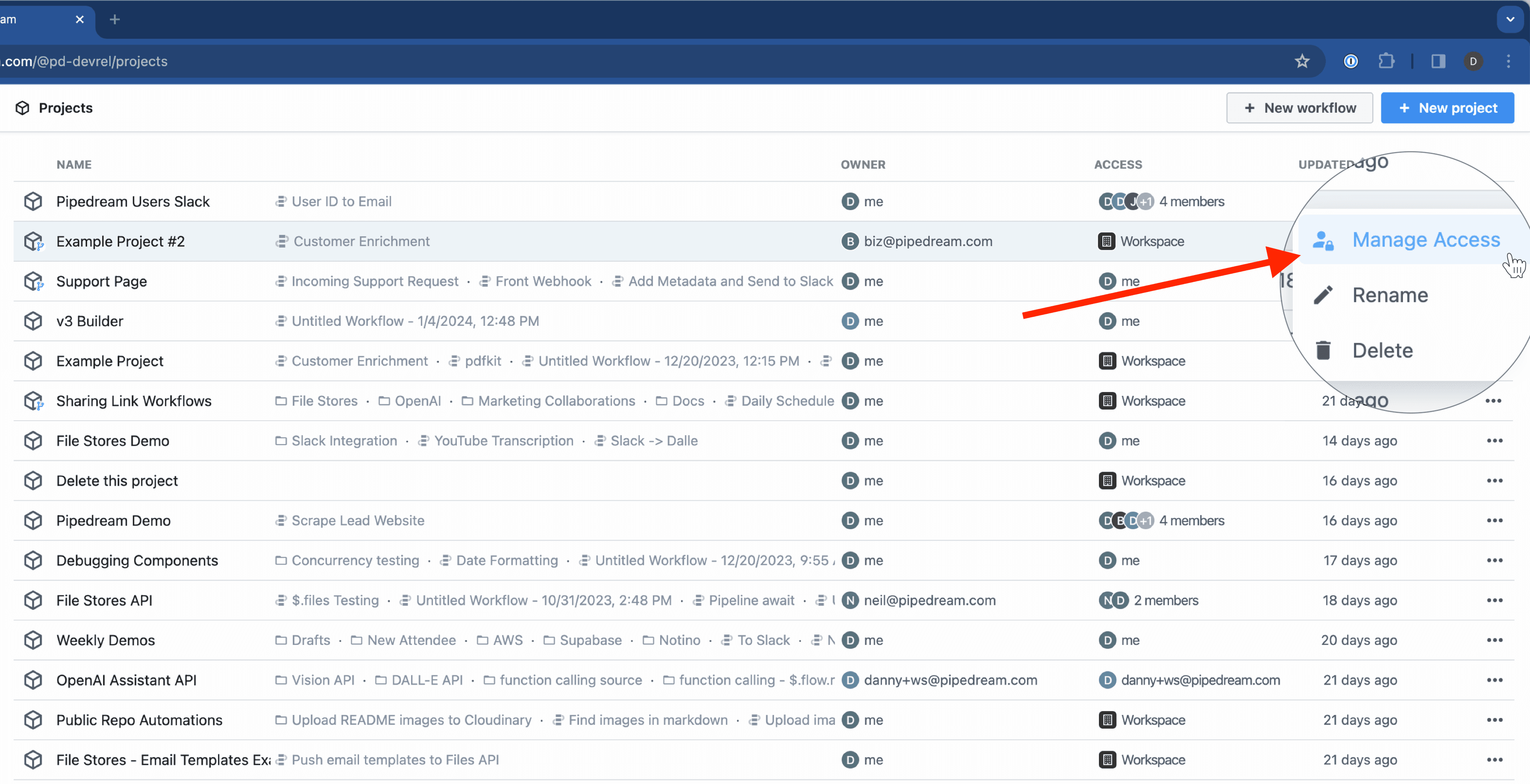
Managing access
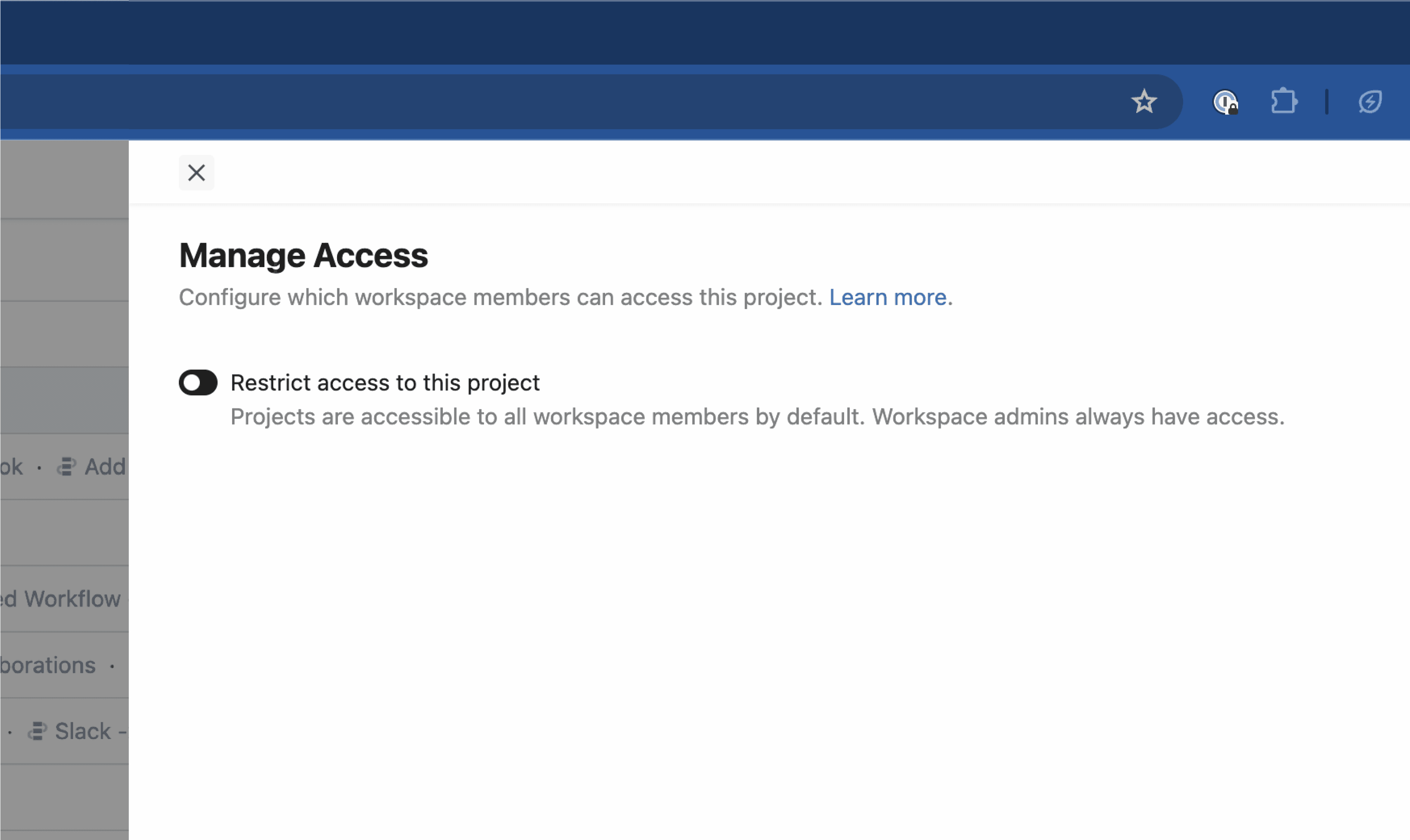
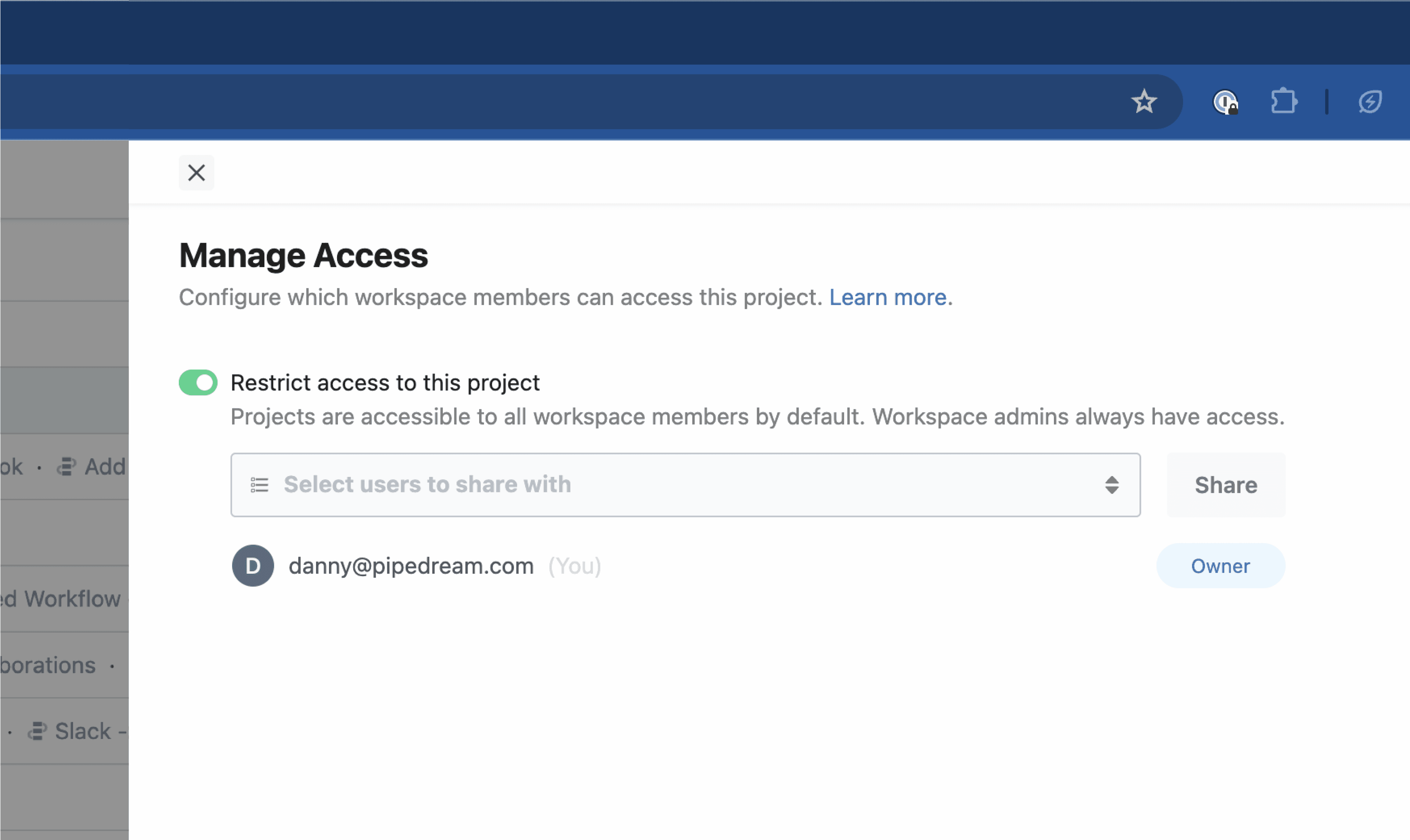
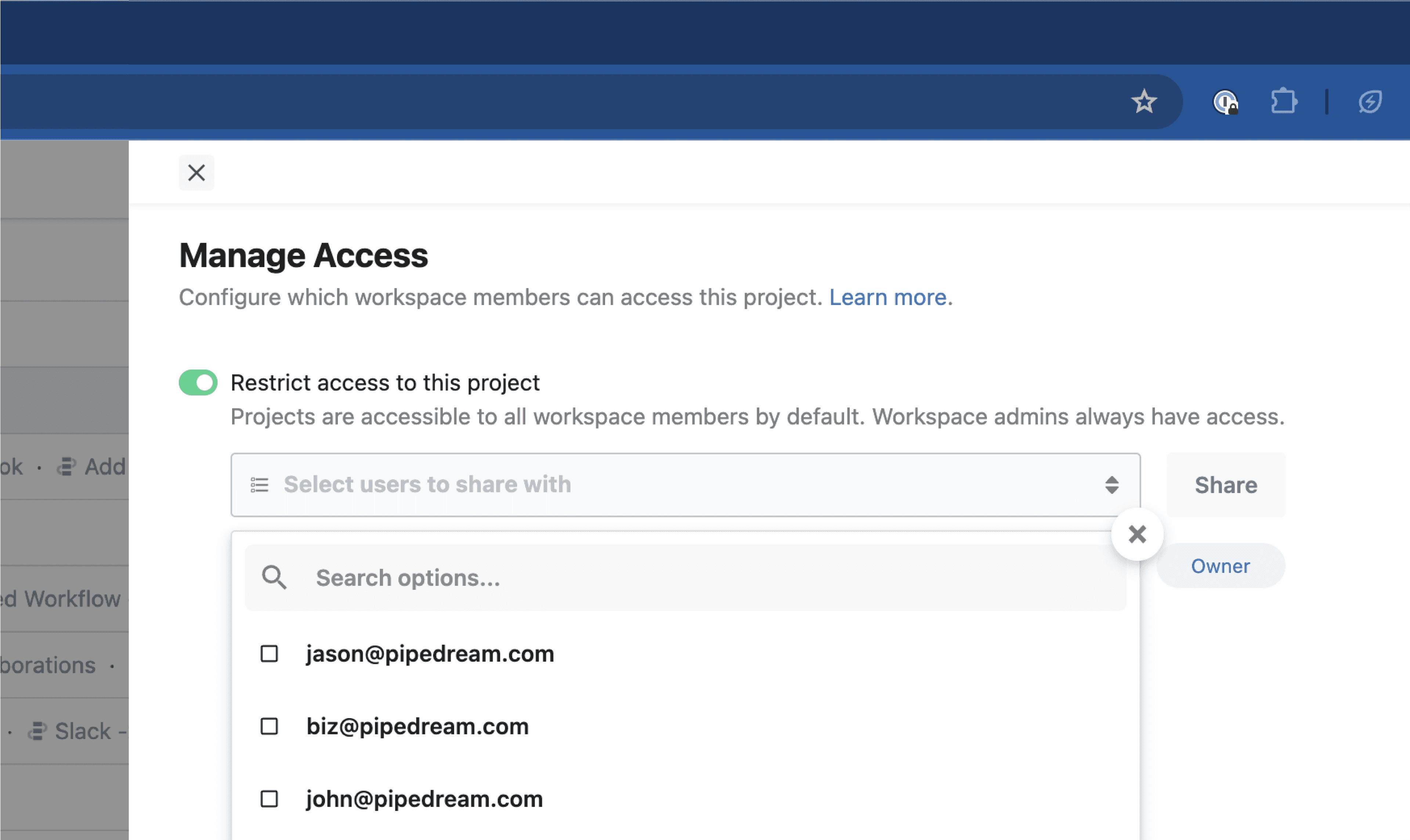
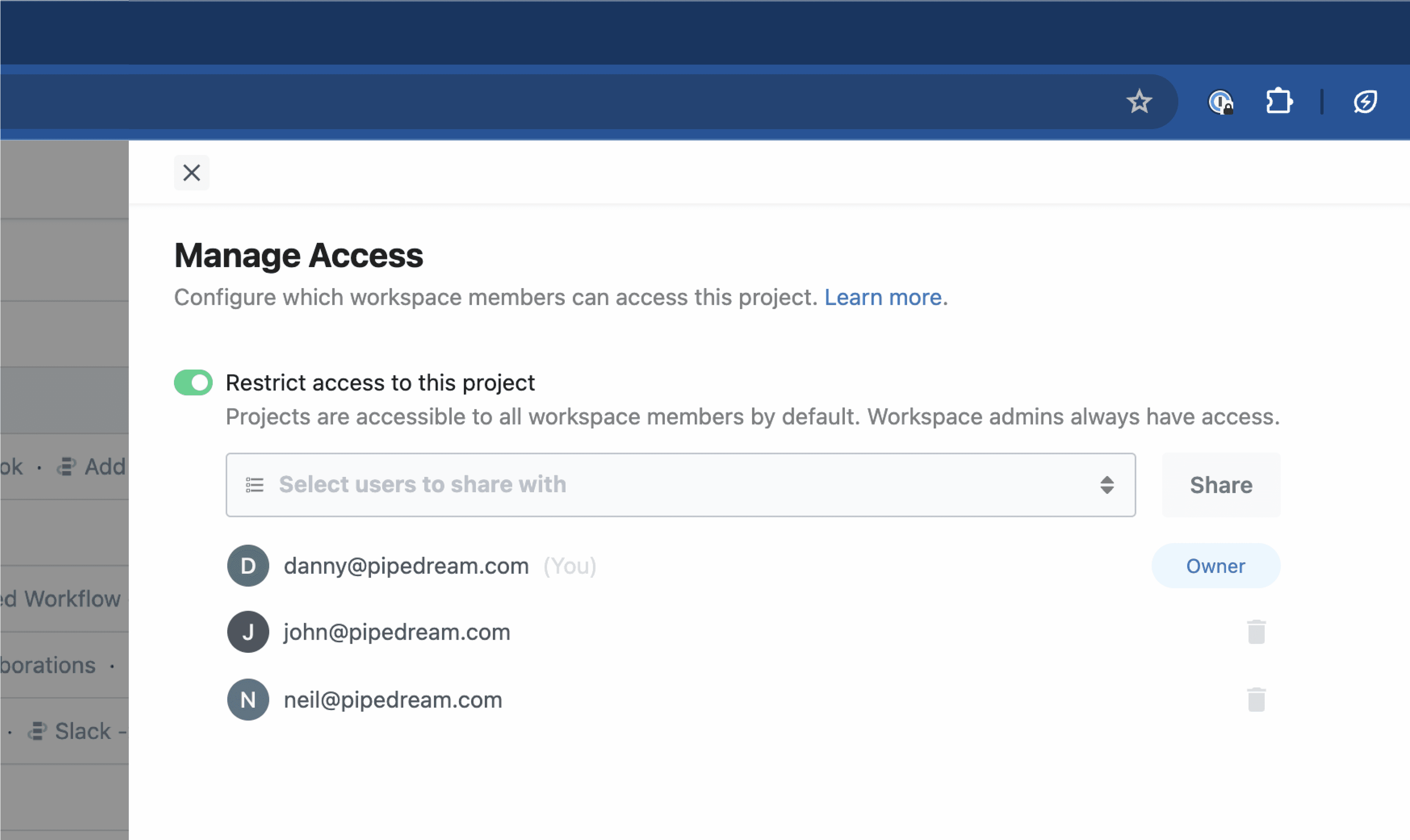
By default, all projects are accessible to all workspace members. Workspaces on the Business plan can restrict access for individual projects to specific workspace members.