

Testing in OpenAI’s API Playground
OpenAI provides an API playground for developers to test prompts and tool calling, which provides an easy way to test Pipedream MCP. Get started below.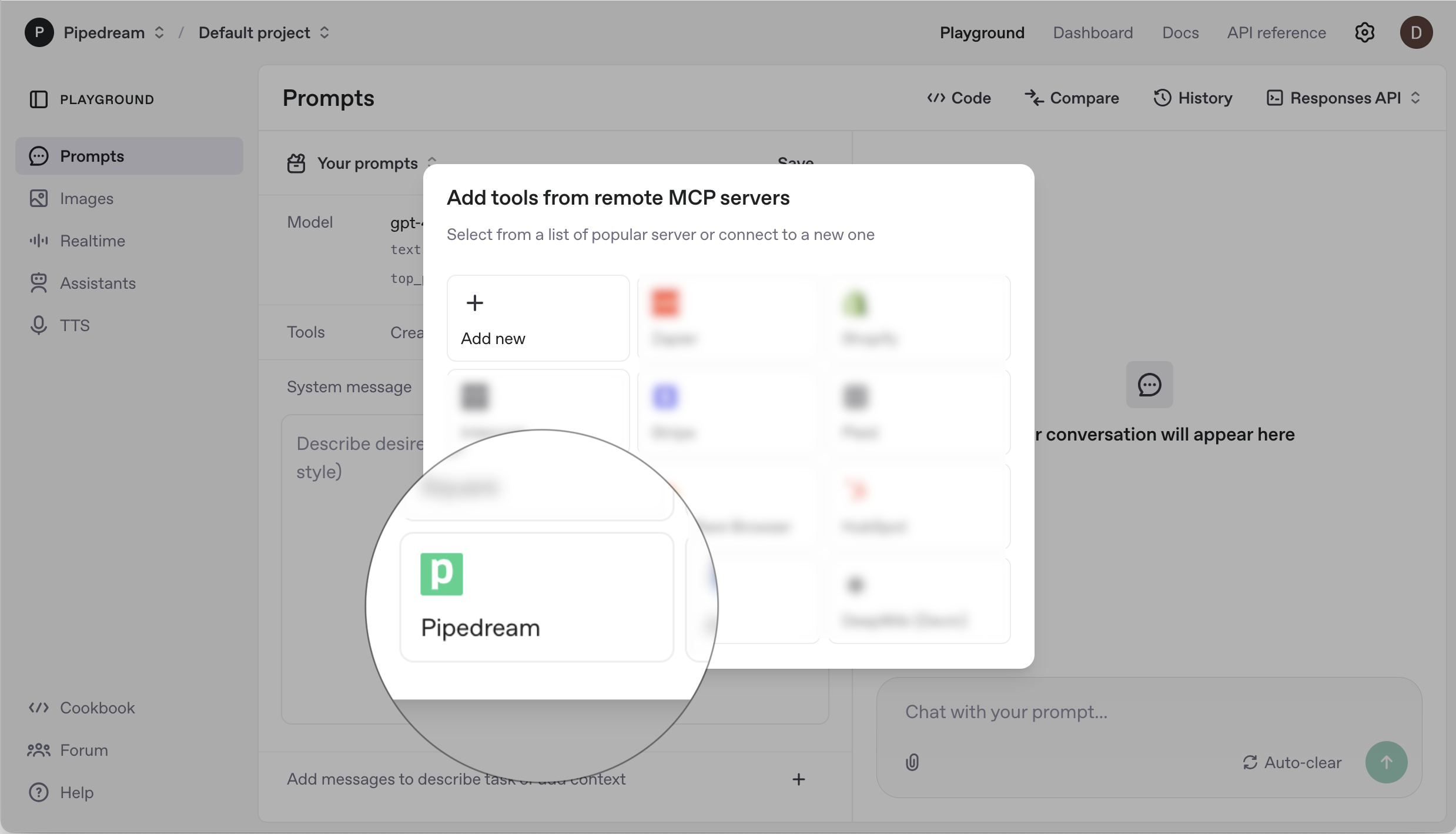
1
Open the playground
Navigate to OpenAI’s playground and sign in with your OpenAI account.
2
Add Pipedream MCP
Click the Create button in the Tools section, then select Pipedream.
3
Enter your access token
4
Select an app
5
Click Connect
Enter a prompt and start chatting!
Refer to the instructions below when you’re ready to use Pipedream MCP in your app.
Using Pipedream MCP in your app
Set your OpenAI API key:Generate responses with Pipedream MCP
Below is an end to end example showing how to:- Initialize the Pipedream SDK
- Find the relevant MCP server
- Send a prompt to OpenAI with the MCP server as a tool call