
Connect your AI assistant to all the tools you use
Conduit gives you 3,000+ connectors for Claude, Cursor, ChatGPT, or any other AI assistant, with the controls and visibility your IT team needs to say yes.
Get early access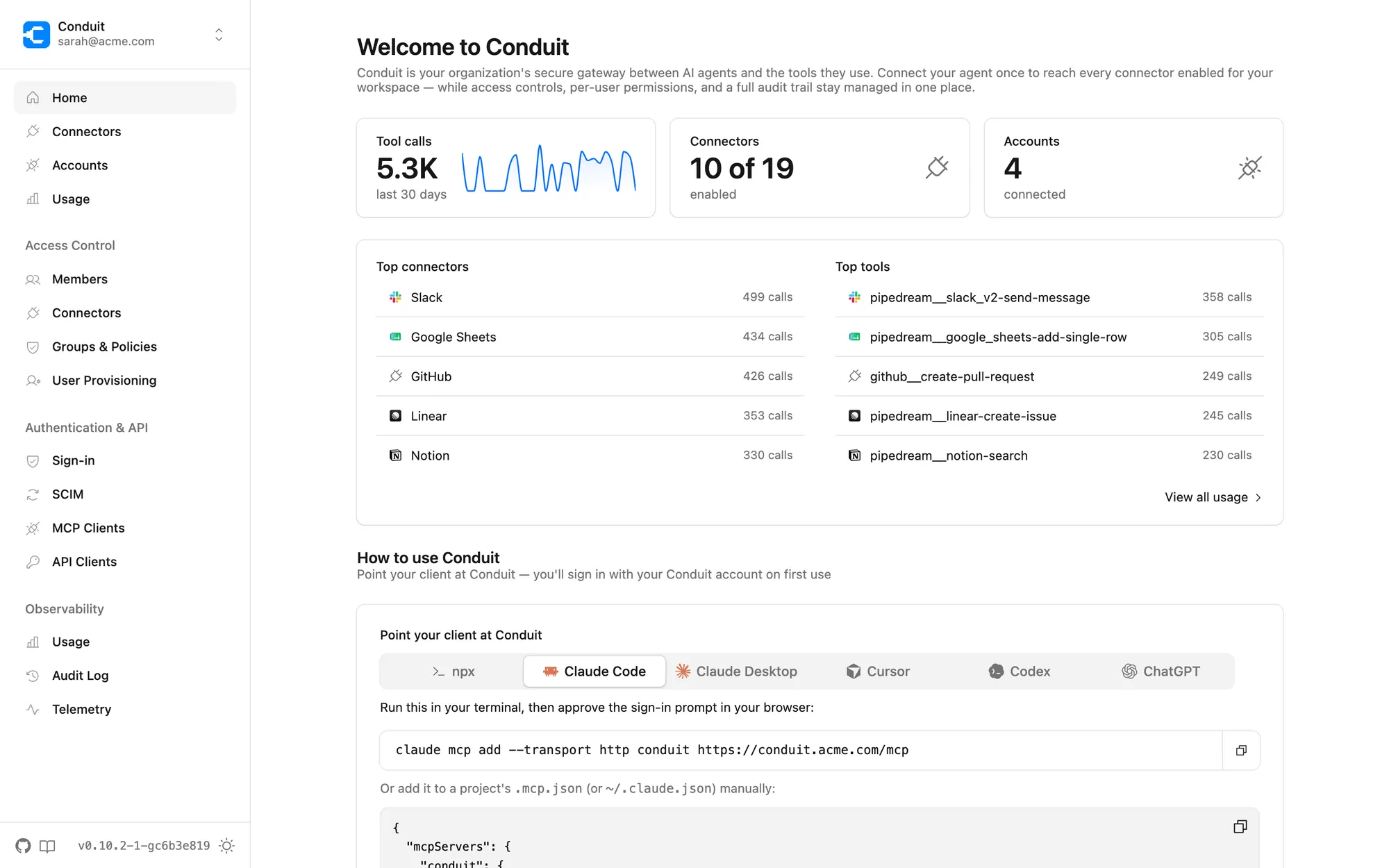
Your team already uses AI assistants. But the tools they need them to reach — HubSpot, Salesforce, Gmail, Google Sheets, etc. — are either missing a connector or blocked by IT, so AI stays cut off from where the work actually happens. Conduit fixes this.
The gateway
One gateway in the middle
Your AI assistants
-
 Claude
 -
 ChatGPT
 -
 Cursor
 -
 VS Code
 -
 Gemini
 -
 Windsurf
 - + anything that speaks MCP

Conduit
One secure endpoint
- Authentication
- Access policies
- Audit log
- Observability
Your tools
-
 HubSpot
 -
 Salesforce
 -
 Gmail
Gmail -
 Google Sheets
 -
 Slack
Slack -
 Notion
 - +3,000 more
Bring your own
-
 Custom MCP servers
 -
 OpenAPI
 -
 GraphQL
Connect
Point any MCP client at a single endpoint, users sign in through the identity provider with SSO.
Access
3,000+ prebuilt connectors out of the box, plus any MCP server, OpenAPI definition, or GraphQL endpoint you bring.
Control
Groups and policies decide who can use which connectors and tools. Every call is authenticated, authorized, and logged.
For employees
For the people doing the work
Use the AI tools you already have, connected to the systems you already work in.
Your tools are already there
3,000+ connectors with prebuilt tools, ready to enable. No waiting for someone to build the integration.
Sign in once
Authenticate with your company account. Conduit handles the OAuth dance with every downstream tool for you.
Your credentials stay yours
The model calls tools through Conduit. It never sees your tokens, passwords, or API keys.
Keep the assistants you have
Conduit is a standard MCP server. If your AI tool speaks MCP, it works — no plugins, no migration.
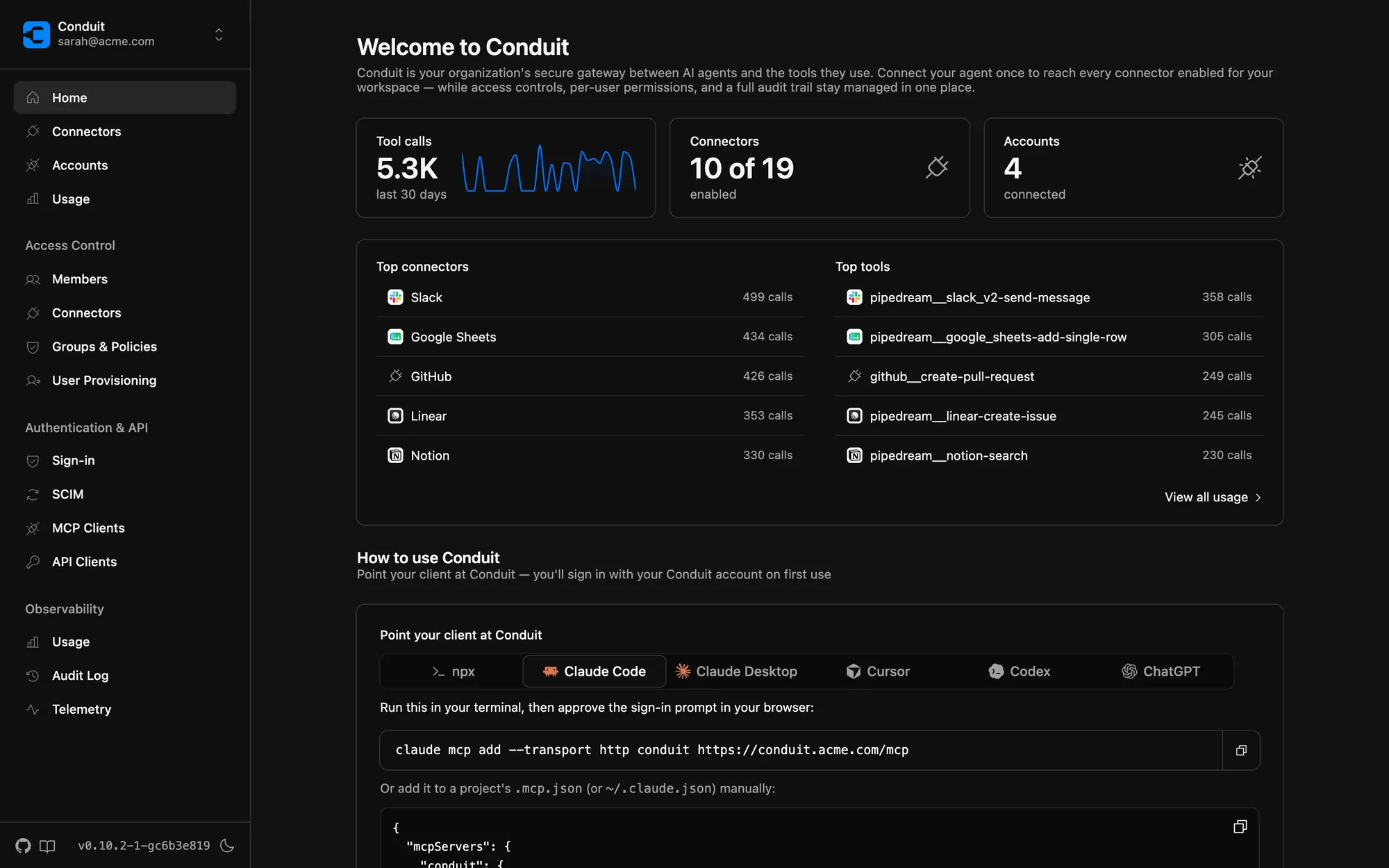
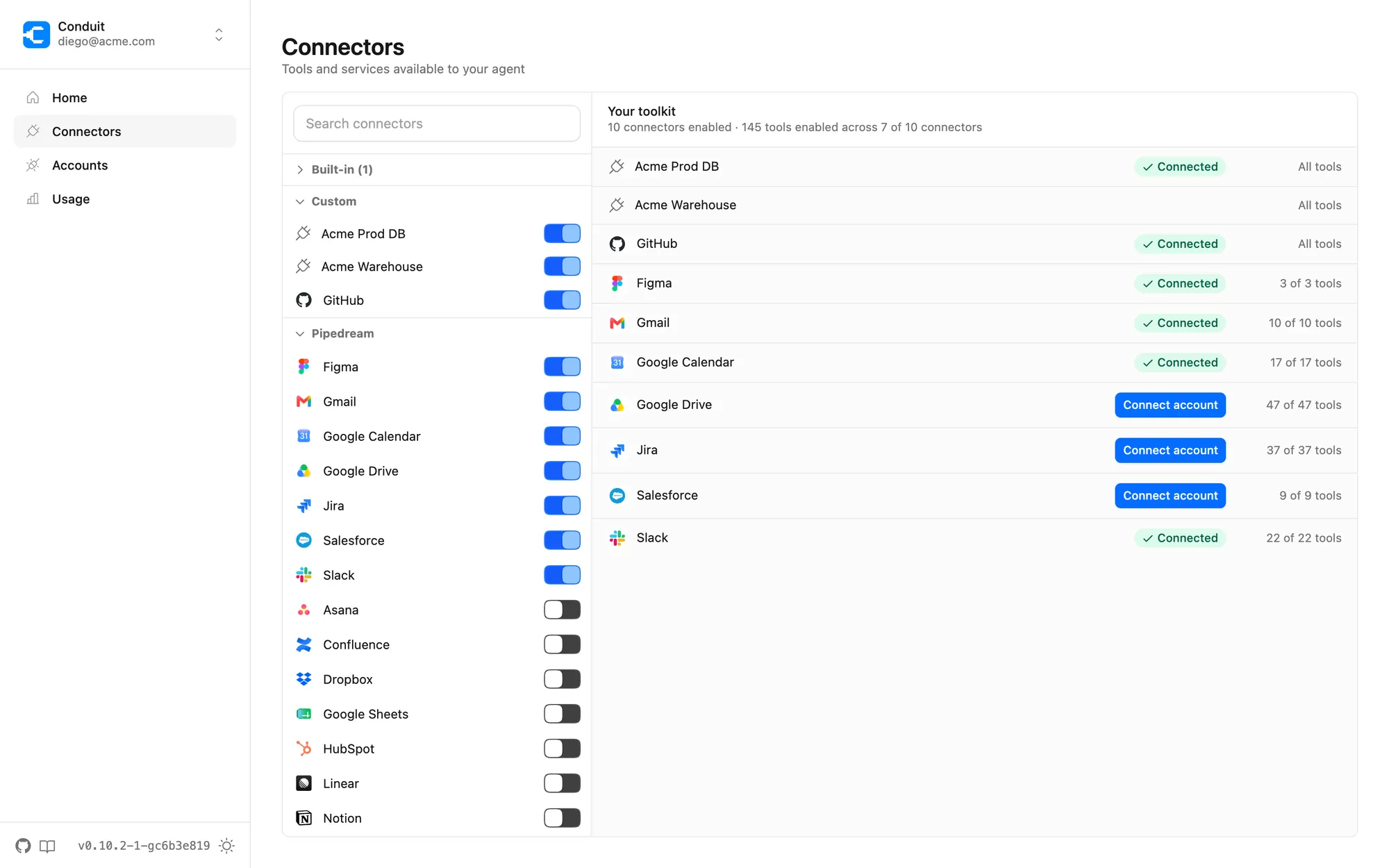
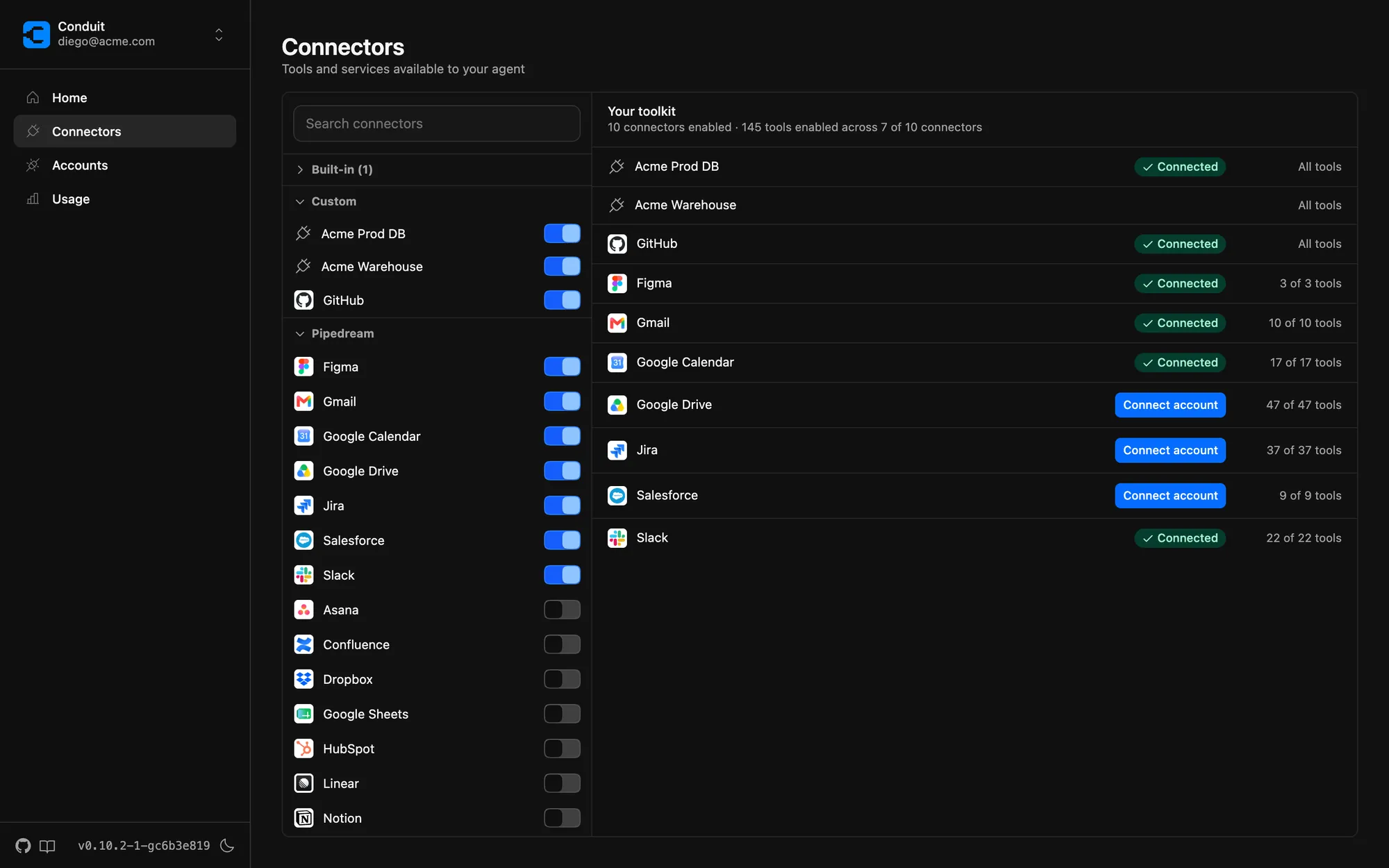
One catalog of approved tools — flip a switch to enable a connector for your agent.
For IT & security
Visibility and control, built in
Every tool call, every user, every policy — one console.
Usage analytics
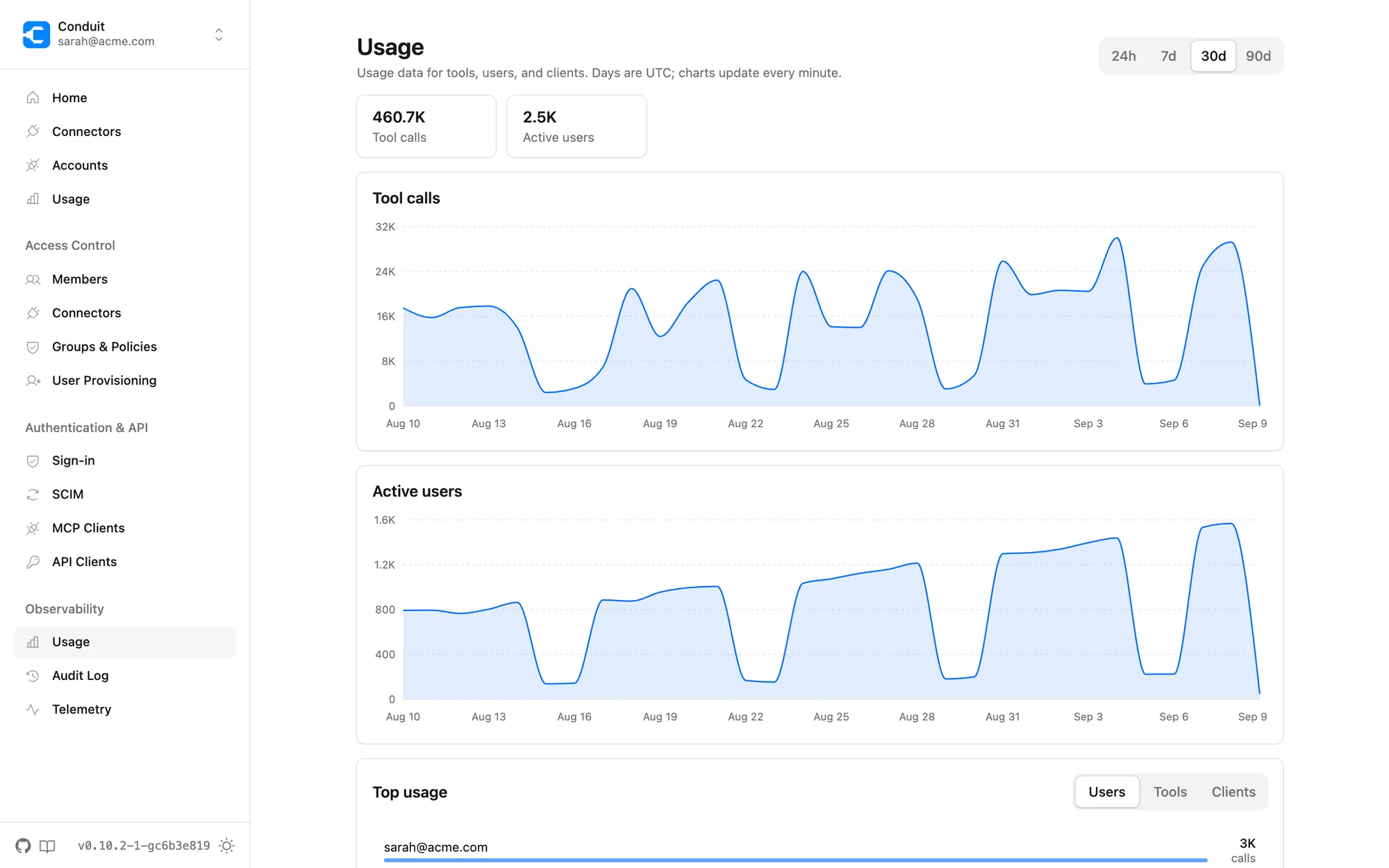
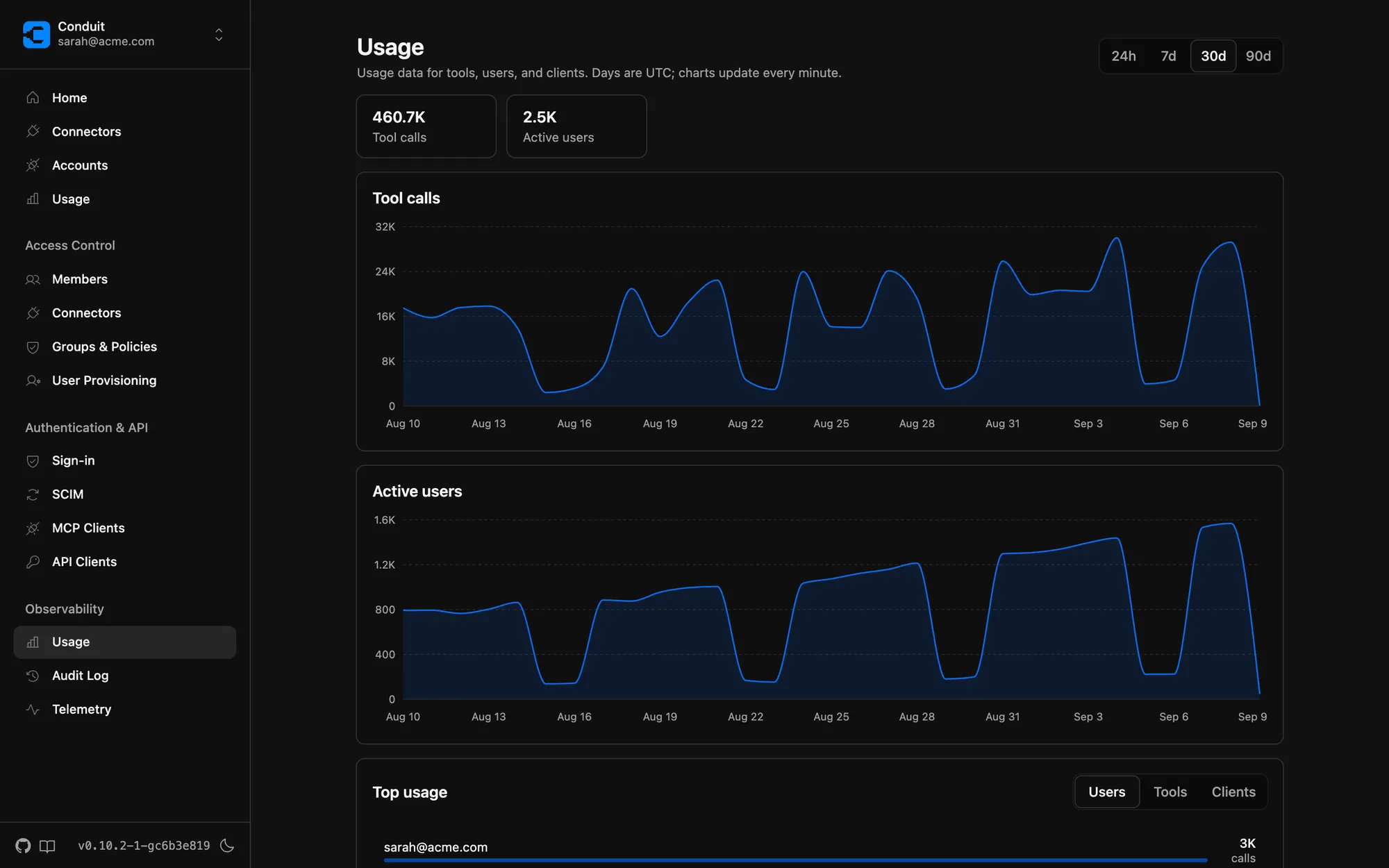
See adoption as it happens: tool calls, active users, and top tools by user, team, or client. Know what your org's agents are actually doing.
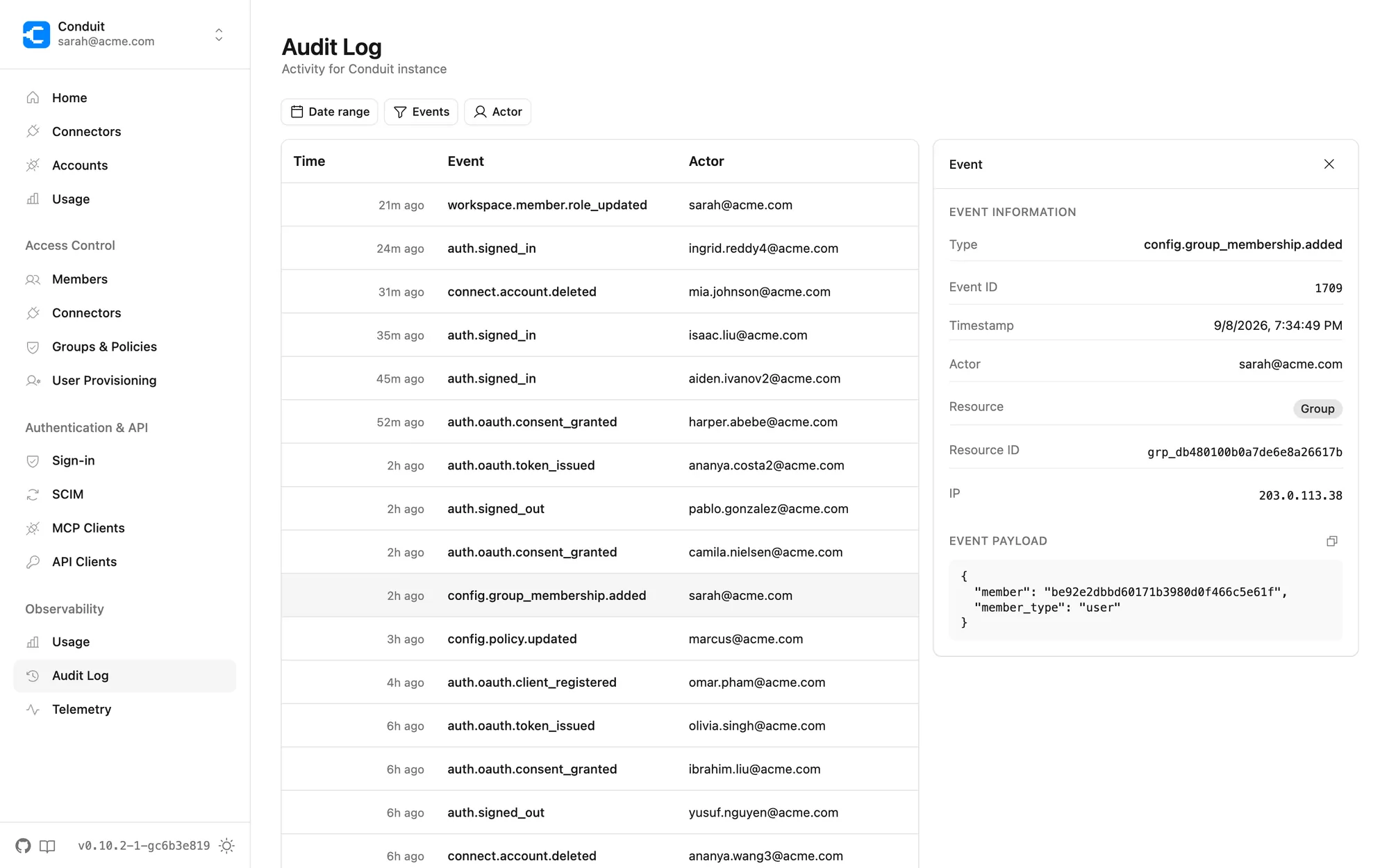
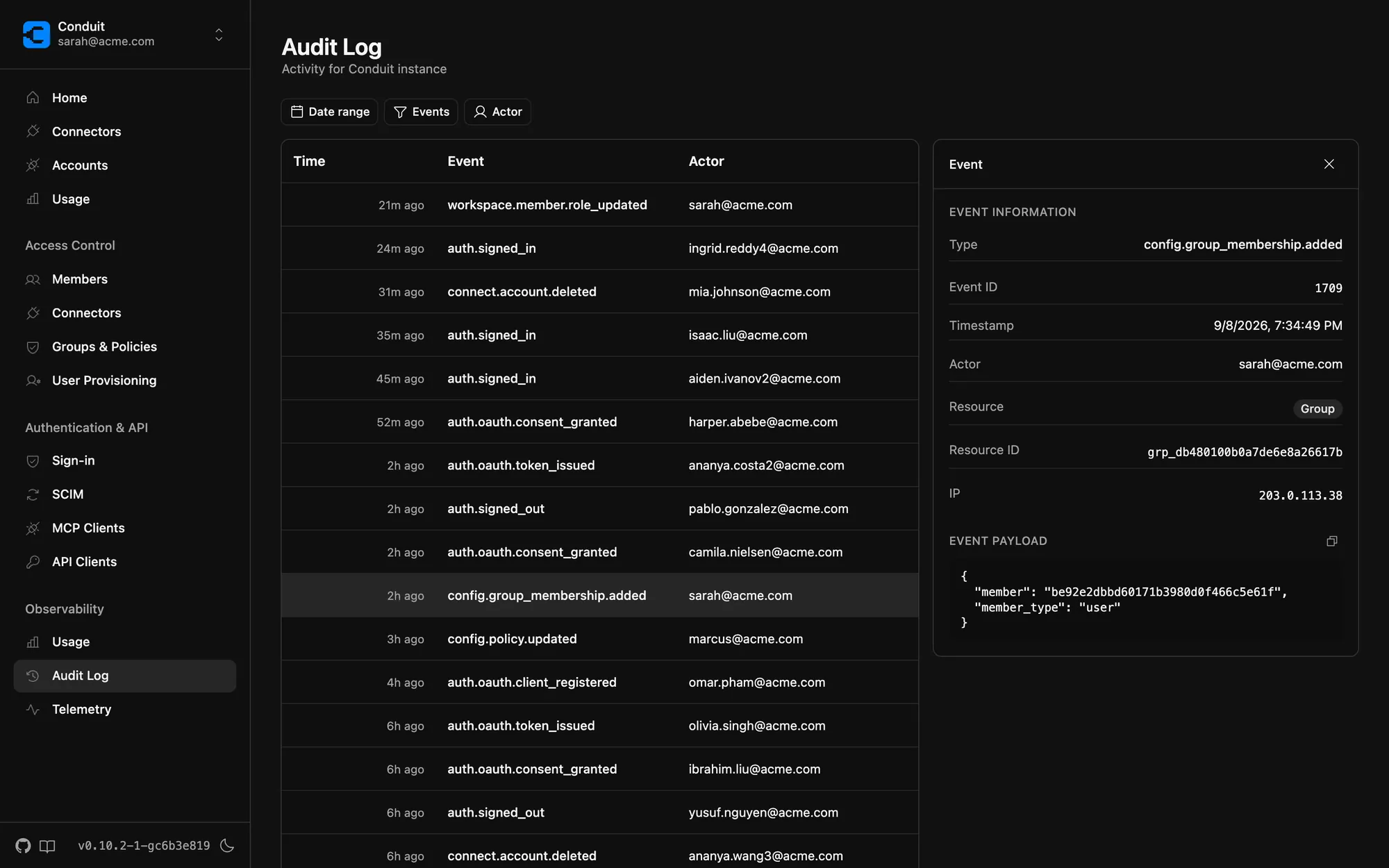
A complete audit trail
Every sign-in, policy change, and tool call is recorded. Filter by actor, event, or date, and drill into the exact payload.
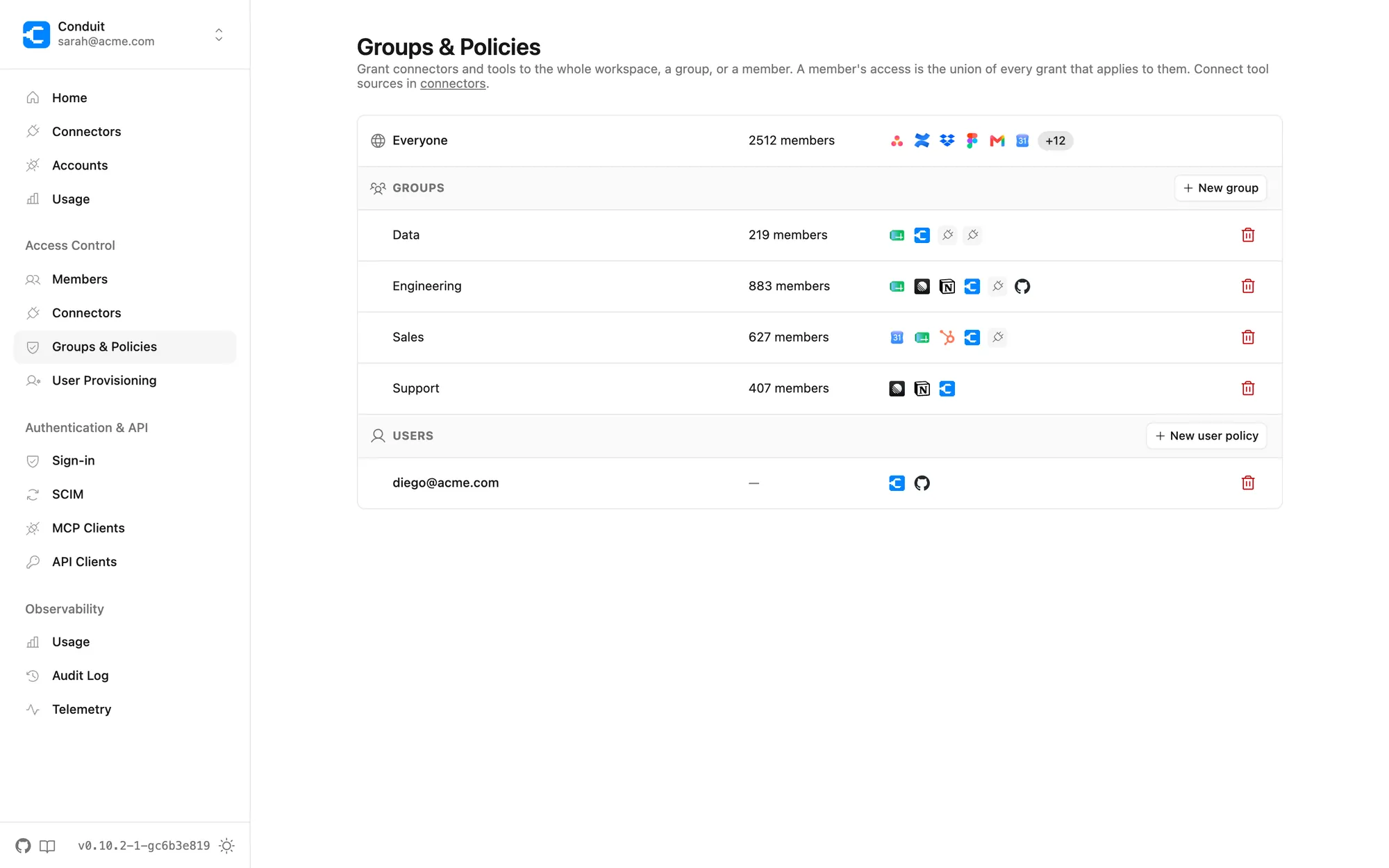
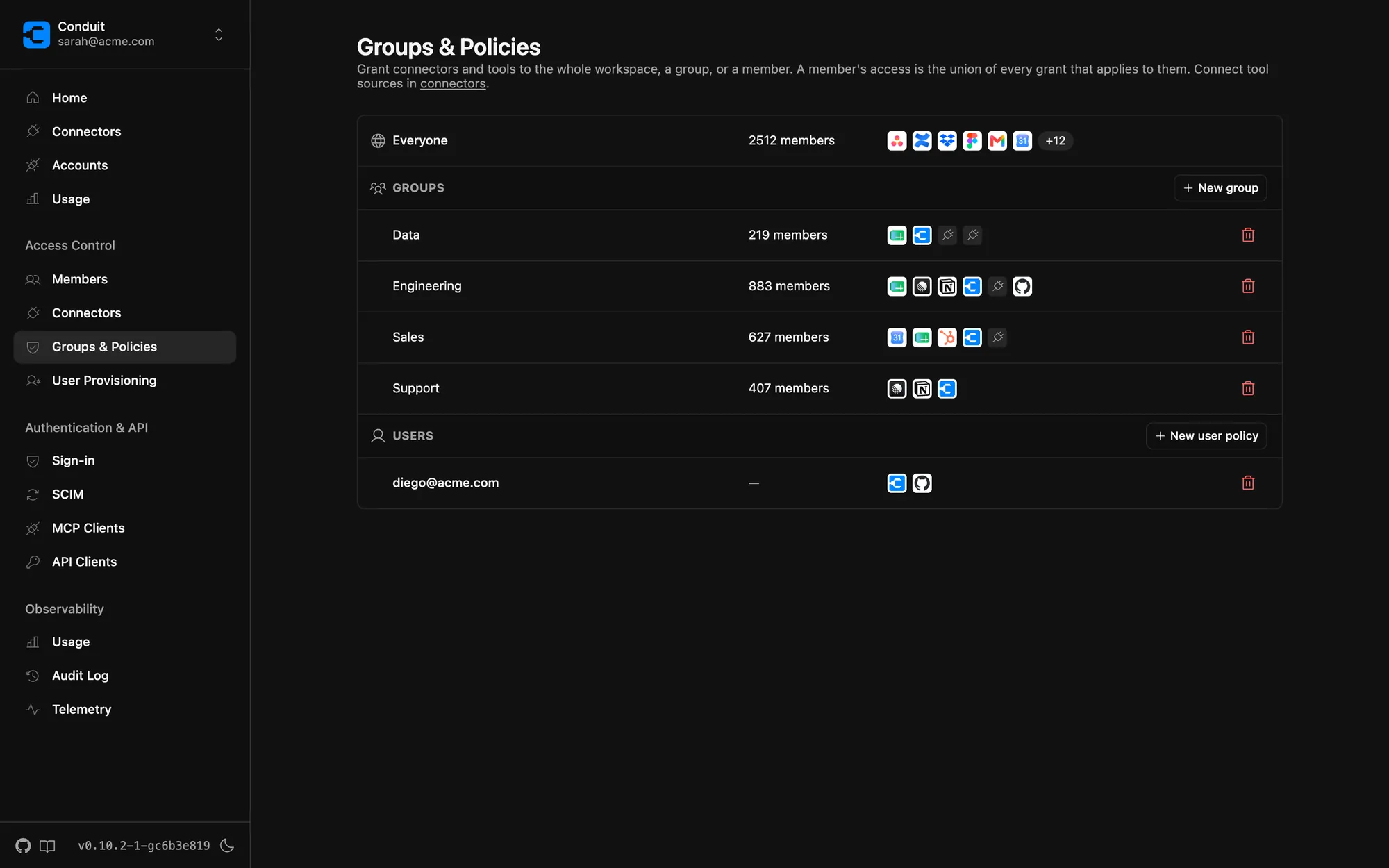
Access policies by team
Grant connectors — or individual tools — to the whole workspace, a group, or a single person. A member's access is the union of every grant that applies.
For approvers
For the people who have to say yes
Unblock your organization without giving up control. Conduit is the enforcement point between every AI assistant and every tool.
Policies, not tickets
Policies grant connectors to the entire workspace, select groups, or individual users, down to the individual tool. Access changes take effect immediately.
Your identity provider
SSO through Okta or any OIDC provider. Provisioning rules automatically route users into groups and roles from IdP claims at sign-in.
Credential isolation by design
End-user credentials are held by the gateway and never exposed to the LLM or the client.
Audit everything
Every admin change and every tool call lands in the audit log, scoped per workspace.
Observability you already run
OpenTelemetry traces and events export to your existing stack — Datadog, Grafana, anything OTel.
Deploy it your way
Self-host a single Docker image in your own infrastructure, or use the managed cloud.
Give your team AI that can actually do things
Self-hosted or in the cloud. Early access is open.
Get early access